Main-only extraction
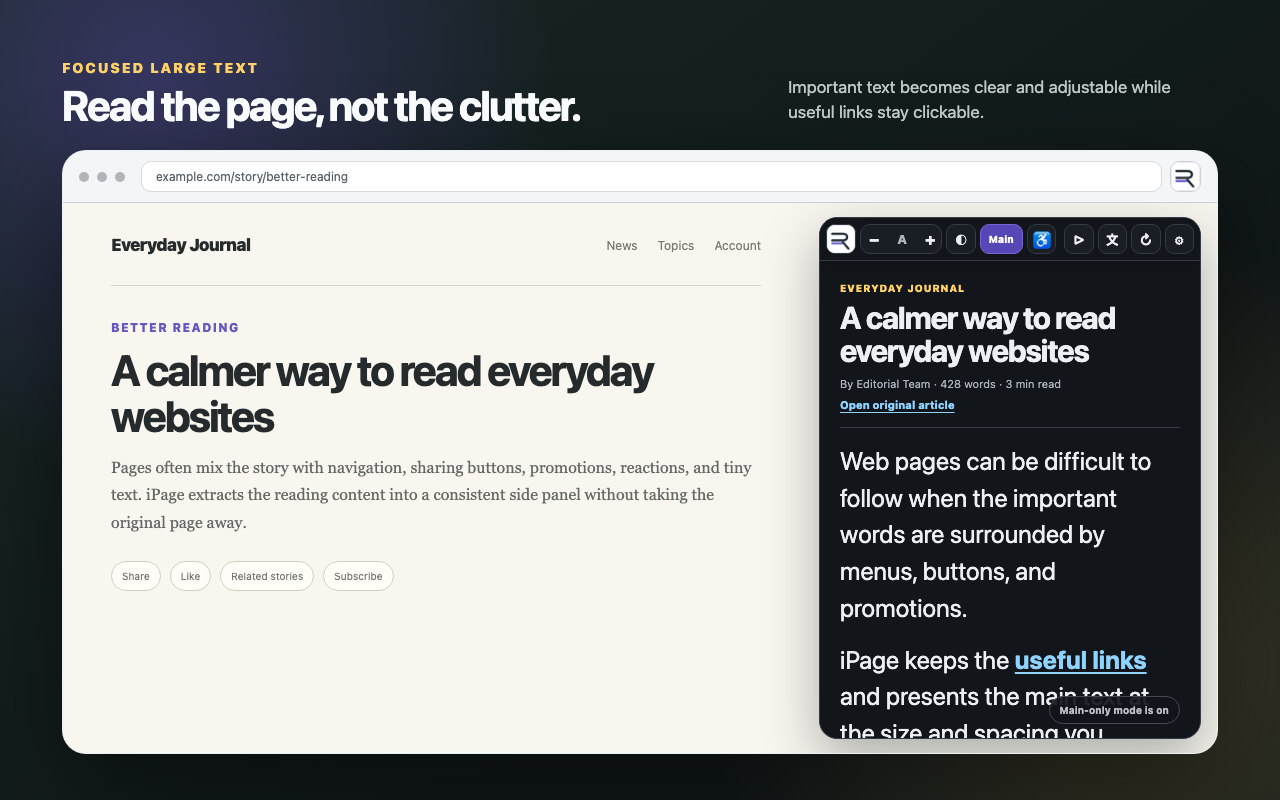
Prioritises headings, paragraphs, lists, and quotes while excluding navigation, footers, comments, reactions, and common action controls.
 Google Automator
 iPage · Chrome extension · Version 1.0
A reader for people who need larger, clearer text. iPage turns the important content from a webpage you choose into an adjustable reading view. It is designed for older adults, people with low vision or reading difficulties, and anyone who finds ordinary website text too small or crowded. Useful links stay clickable so browsing can continue naturally.
Focused reading
Prioritises headings, paragraphs, lists, and quotes while excluding navigation, footers, comments, reactions, and common action controls.
Keeps useful links inside the extracted text active, letting readers open sources and continue to linked pages directly from iPage.
Refreshes the reading view after ordinary navigation and supported single-page-app changes, including supported YouTube video navigation.
Change text size with visible minus and plus controls, then fine-tune size and line spacing in Settings.
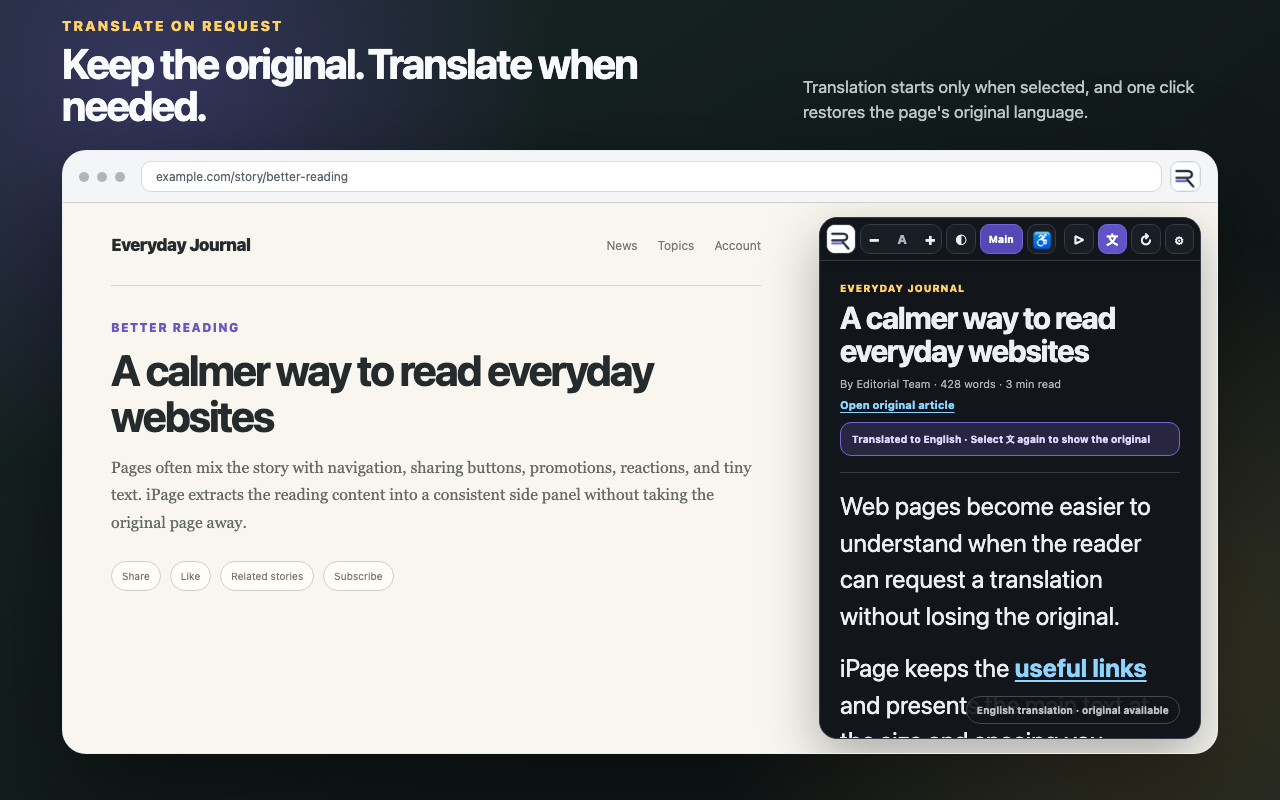
The original article remains the default. Translation starts only when you select the translation control.
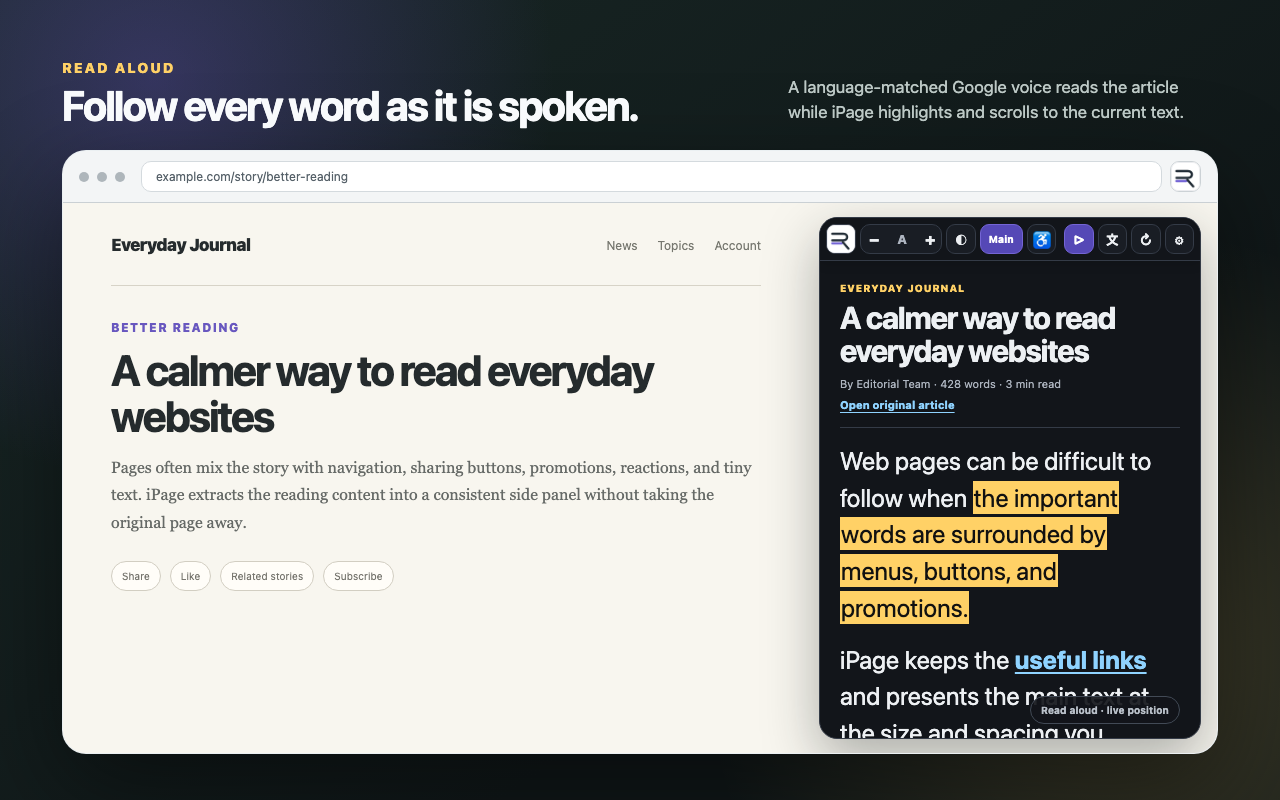
Uses a Google voice matched to the detected page language, highlights the current spoken text, and scrolls the reading view automatically.
Choose the reading background that is more comfortable without changing the original website.
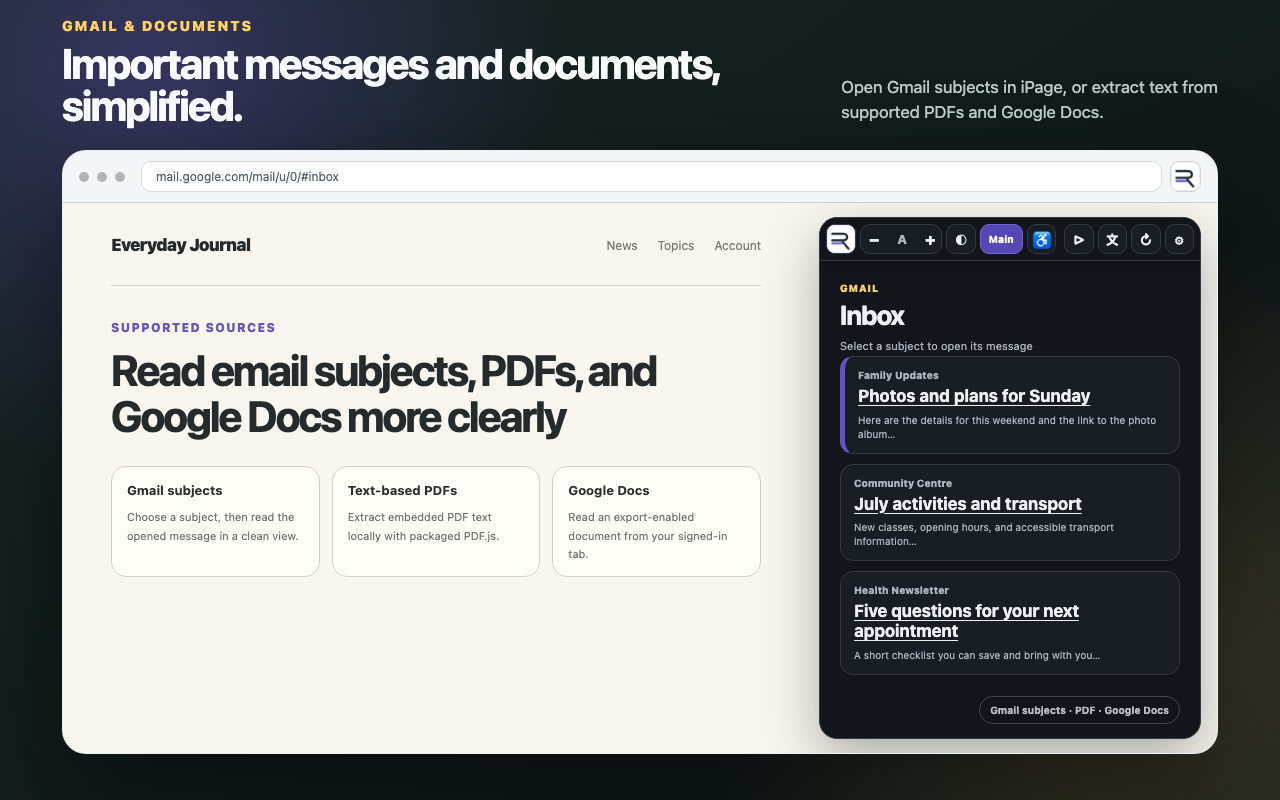
Shows useful inbox subjects in iPage and opens the selected email body in the same focused reading format.
Extracts embedded text from text-based PDFs and supported Google Docs whose owners permit plain-text export.
See iPage in use
How it works
Visit an article, email, text-based PDF, or supported Google Doc, then select the iPage toolbar icon.
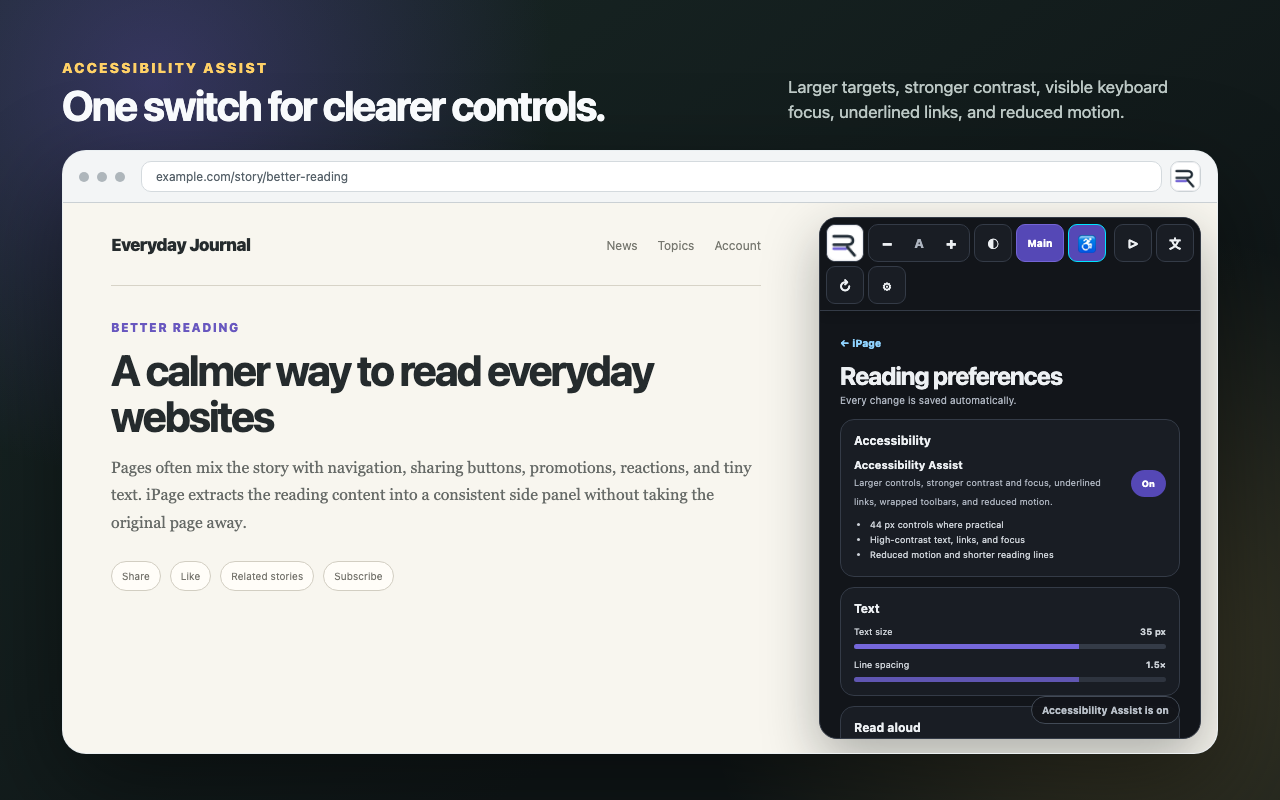
Use − and + for text size, Main to remove supporting page sections, and the theme or Accessibility controls when needed.
Start read aloud, request a translation, or select a preserved link. iPage refreshes as the active page changes.
Accessibility Assist
Older adults, people with low vision, people with reduced fine-motor precision, and anyone who finds ordinary webpage text difficult can turn on additional assistance. iPage’s interface also uses semantic structure, keyboard focus, status announcements, labelled controls, and reduced-motion support.
Privacy
iPage has no developer-operated content server, iPage account, analytics, advertising, or behavioural tracking. Webpage, Gmail, PDF, and supported Google Docs content is processed in Chrome to provide the requested reading view. Chrome storage keeps reading preferences and short-lived session cache data.
Compatibility